
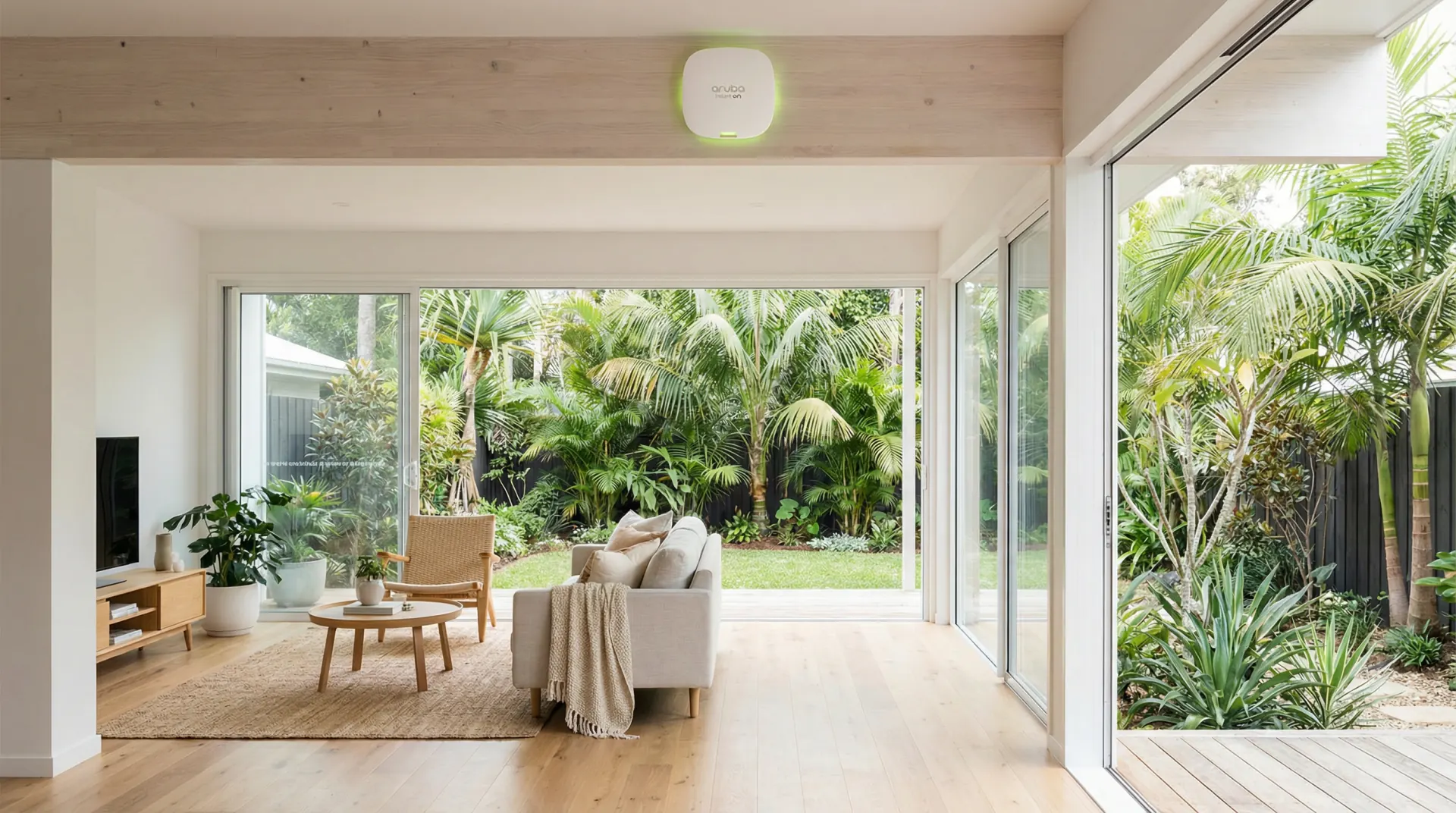
bcom ICT designs, supplies and installs Aruba Instant On networks for Gold Coast businesses — surveying the building, specifying access points and switching, running the cabling, configuring guest separation and handing over documentation. bcom ICT also supports existing Instant On installations including earlier AP generations. Call 07 3041 8993.
How we design and build an Instant On network
1. Survey the building
Signal measured, construction noted, interference found. Access point placement comes out of that rather than out of a floor plan.
2. Design the system
Access point count and positions, switch capacity and PoE budget, cable routes, and the guest network separation planned before anything is ordered.
3. Supply the hardware
Sourced at trade pricing and specified for the building. Buy it yourself if you'd rather — we'll still tell you exactly what to get.
4. Install and hand over
Cabling by ACMA registered contractors, commissioned and tested, then credentials and network layout documented and given to you.
The hardware we install
Current range, plus the earlier generations we still support.
Wi-Fi 6 and 6E access points — current
The current Instant On range. AP22 covers most offices; AP25 and AP32 where density or throughput justify them.
Wi-Fi 5 access points — still widely installed
Earlier Instant On hardware, still in service across plenty of Gold Coast offices and generally still adequate.
Instant On switches
Matched switching, including the PoE budget your access points draw from.
Aruba Instant (enterprise) — also supported
The larger Aruba line. Found in bigger Gold Coast sites and sometimes inherited during an office move.
Why Instant On for a new system
Business-grade, no controller
Real access points with proper coverage and roaming, managed from an app or browser with no controller appliance to maintain. For an office that needs WiFi to work, that's often exactly right.
Aruba engineering at SMB pricing
Instant On is Aruba's small business range, built on the same radio engineering as their enterprise gear.
Guest separation as standard
Guest access isolated from business systems is a built-in feature rather than something to engineer.
Low ongoing cost
No subscription for core functionality, and hardware that tends to keep working for years.
We support existing installs too
"The AP keeps going offline"
Usually PoE budget on the switch or a marginal cable run. Instant On is less tolerant of borderline power than people expect.
"It's slow when everyone's in"
Device density rather than coverage. An AP11 handling forty clients struggles where an AP22 wouldn't — this is the case where new hardware genuinely helps.
"We've lost the cloud account"
Common when the original installer has moved on. Usually recoverable, and we hand back credentials that belong to you.
"Guests can see our files"
Guest network was never isolated. The hardware does this well; it just wasn't configured.
Instant On or UniFi?
We design and install both, and recommend on the building rather than on preference.
Instant On for a single office wanting reliable wireless with minimal management overhead — and it is simpler to hand to a client with no IT person.
UniFi for deeper control and visibility, several sites managed together, or where cameras and door access should sit on the same system.
The Aruba Instant On problems we are actually called to
Six situations. Two of them are about who owns the network rather than how it performs.
“Nobody has the account the network is registered to”
Usually cloud-managed hardware set up under an installer’s account or a departed employee’s email address. The network runs and the business cannot administer it.
What we do Establish ownership under an account the business controls. This is worth checking on any cloud-managed equipment, and it is the single most common ownership gap we find.
“It works but we can’t see anything”
Usually management sitting with whoever installed it. The business has a functioning network and no visibility of what is connected or how it is performing.
What we do Get administrative access into the business’s hands. Visibility of your own network is not an advanced feature and you should not need to ask someone for it.
“Coverage is fine but the network feels slow”
Usually the connection behind the access points rather than the wireless. Wireless is frequently blamed for a constraint that sits between the access point and everything else.
What we do Test the wired path and the internet service separately from the wireless. Strong signal and slow performance almost always means the bottleneck is somewhere the signal strength indicator cannot see.
“Guest access has no controls on it”
Usually a guest network switched on without limits, terms or isolation. It works, and it is open in ways nobody intended.
What we do Configure guest access properly — isolated, rate-limited, and unable to reach business systems. The feature being enabled is not the same as the feature being configured.
“We added a second site and it’s managed separately”
Usually each location set up independently, so every change has to be made twice and the two drift apart.
What we do Bring both under one management view. Two sites that are configured alike are dramatically easier to support than two that merely do the same job.
“Is this the right range for us?”
Usually a fair question. This equipment suits small and medium sites very well and there are situations where something else fits better.
What we do Choose against the building and the device count rather than the brand. We install more than one range and will say when a different one is the better fit for your premises.
What Aruba Instant On work actually looks like
Representative engagements, drawn from real work with identifying detail removed — we don’t name clients without written permission.
A network registered to somebody who had left
The situation
A business wanted to add access points to cover an area of its premises that had never worked well. The existing equipment was cloud-managed and performing adequately.
What we found
The entire deployment was registered under an account belonging to a former employee, created during the original installation with their work email address. That mailbox had been closed when they left. Nobody could log in, add hardware or change a setting, and the recovery route ran through an address that no longer existed.
What we did
Worked through the vendor’s ownership transfer process with the business’s documentation, established the network under an account the company itself owns, and added the access points the original request had been about.
The outcome
The business owns its own network and the coverage gap is closed. The ownership problem had existed for over a year and would have surfaced eventually — ideally not during an outage.
Full signal, slow network, nothing to do with the wireless
The situation
A business reported that its wireless had become slow. Coverage was strong everywhere, the access points were modern, and a previous provider had recommended replacing them.
What we found
Signal strength was excellent throughout. Every access point connected back through a single older switch that had a failing port and was passing traffic at a fraction of its rated speed. Every device in the building, wireless or not, crossed that one switch. The wireless was performing perfectly and was carrying the blame for something behind it.
What we did
Replaced the switch, verified the link speeds on every port, and measured throughput before and after so the improvement was demonstrable rather than asserted.
The outcome
The network returned to full speed and the access points stayed. A wireless replacement had been quoted for a fault that no new access point would have changed.
Questions Gold Coast businesses ask us
Do you design and supply new Aruba Instant On systems?
Yes — that's the larger part of what we do with it. bcom ICT surveys the building, specifies access points and switching, supplies the hardware at trade pricing, runs the cabling and commissions the system, then hands over documentation. We also support existing Instant On installations including earlier AP generations.
What does an Instant On installation cost?
It depends on the building — how many access points the coverage genuinely needs, switch capacity and PoE budget, and how much cabling is involved. We survey first and quote on the actual building, so the figure doesn't move once work starts.
Can we buy the hardware ourselves?
Yes. We source at trade pricing and are transparent about the margin, but plenty of clients purchase directly and have us specify, install and configure. Either is fine.
Should we choose Instant On or UniFi?
Instant On for a single office that wants reliable wireless with minimal management overhead. UniFi for deeper control and visibility, multiple sites managed together, or where you also want cameras and door access on the same system. We design and install both.
Our AP keeps going offline. Why?
Most often PoE budget on the switch or a marginal cable run — Instant On is less tolerant of borderline power than people expect. Adding cameras or phones to the same switch is a common trigger. Both test quickly before anyone suggests new hardware.
Do you support enterprise Aruba as well?
Yes — the Instant AP range (IAP-205 through IAP-335) and the AP-500 series. These turn up in larger Gold Coast sites and are sometimes inherited during an office move.
Fitting out, or fixing what's there?
We'll survey the building first and quote on what it actually needs — including when your existing gear is fine.