
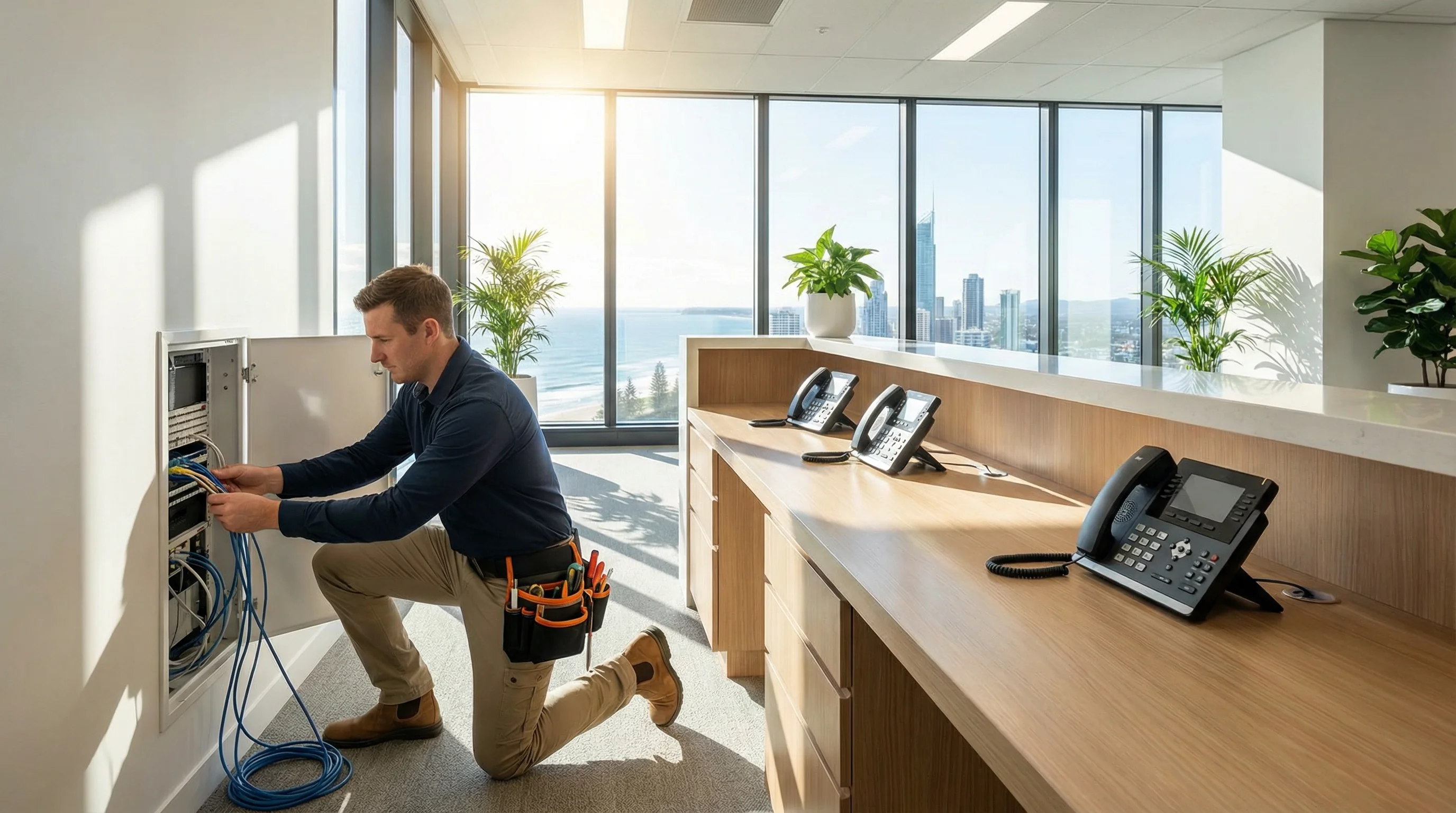
bcom ICT supplies, installs and supports business phone systems across the Gold Coast — cloud VoIP, hosted PBX and on-premise systems — handling handsets, call flows and number porting end to end. bcom ICT also maintains legacy PBX systems including LG Ericsson iPECS, Panasonic KX, NEC UNIVERGE and Alcatel-Lucent OmniPCX. Call 07 3041 8993.
Which business phone system suits you?
There's no universally right answer here, and anyone telling you there is has one thing to sell.
Cloud VoIP
The phone system lives in the cloud rather than in your comms room. Staff can take an extension home, calls route wherever people are, and there's no hardware to fail or replace. This is what most Gold Coast businesses move to now.
On-premise PBX
A physical system in your building. Still the right answer for some sites — particularly where internet reliability is poor, or where you already have a working system and a lot of handsets.
Keeping what you've got
If your existing PBX works, replacing it may be a waste of money. We support LG Ericsson iPECS, Panasonic KX, NEC UNIVERGE and Alcatel-Lucent systems that other providers have walked away from.
Which phone system features do businesses actually use?
Modern systems come with enormous feature lists. In practice this is the part that changes how your business runs day to day.
- Call queues, so nobody hits an engaged tone
- Auto-attendant menus — press 1 for accounts, and so on
- Voicemail delivered to email as an audio file
- Extensions that work from home or a second site
- Ring groups so the right team picks up
- Hunt and overflow rules for after hours
- Call recording where you need it for compliance
- Full number porting — you keep your existing numbers
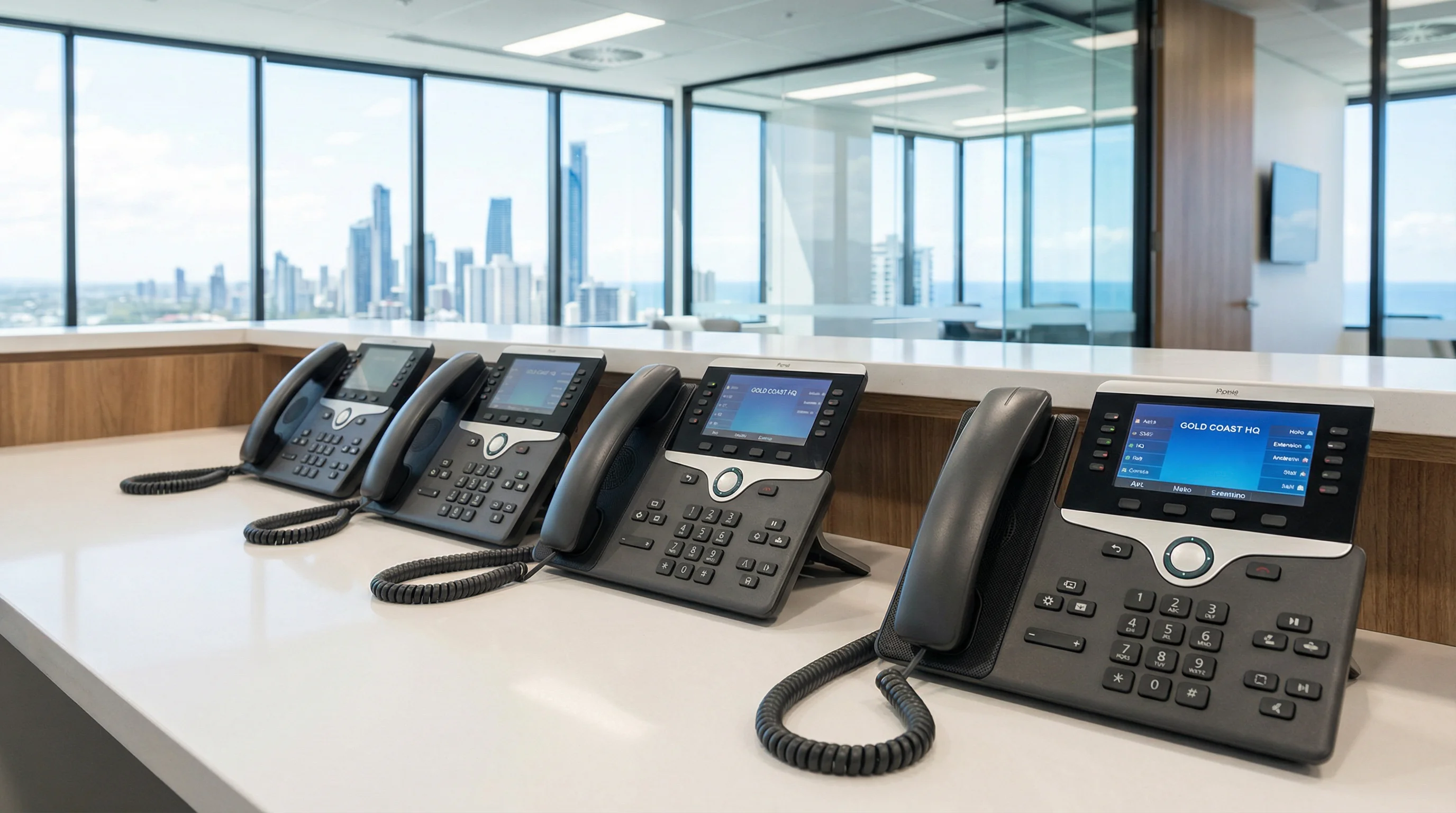
The legacy systems we still support
A working phone system that nobody will program is a genuinely frustrating position to be in. As providers have moved to cloud-only, plenty of Gold Coast businesses have been left with functioning hardware and no one to call when a staff member leaves and an extension needs changing.
We still service, program and maintain:
- LG Ericsson iPECS
- Panasonic KX-NS, KX-TDA and KX-TDE
- NEC UNIVERGE SV9100, SV8100 and SL2100
- Alcatel-Lucent OmniPCX and OXO Connect
If your system is on that list, you don't necessarily need to replace it. We'll tell you honestly how much life it has left and what the sensible timeline for replacement looks like — see PBX systems for detail.
Why does a business phone system need the internet right first?
Cloud phone systems are only as good as the connection underneath them. Before any VoIP cutover we check your NBN or business internet service, look at whether your network prioritises voice traffic properly, and talk about failover so an outage doesn't take your phones down with your internet. That's usually a conversation about business NBN and internet at the same time.
Internal phone and voice cabling is installed to Australian standards by ACMA registered cabling contractors we engage and manage, with testing and certification documentation provided on handover.
The phone faults we are actually called about
Voice problems get blamed on the phone system, the carrier and the internet in roughly equal measure. It is usually none of those.
“Callers say we sound choppy”
Usually voice traffic competing with everything else on the connection — usually a large upload, a backup running in business hours, or cloud file sync.
What we do Configure quality-of-service so voice gets priority, and move backups out of trading hours. It is a configuration change far more often than it is a bandwidth problem.
“Calls drop out after a few minutes”
Usually a router or firewall timing out the session, often after firmware updated and reset a setting nobody knew was there.
What we do Adjust the session timers and SIP handling on the edge device. This one is almost always the router rather than the phone system or the carrier, and it gets blamed on both.
“Nobody answers reception when Jane’s at lunch”
Usually no ring group or overflow — calls are going to one handset and then to a voicemail nobody checks.
What we do Build a proper ring group with overflow and after-hours handling. Straightforward programming, and it usually recovers more revenue than anything else on this page.
“We can’t change the after-hours message”
Usually the original installer set it up and either did not hand over the credentials or has stopped servicing the platform.
What we do Recover or re-establish administrative access, change the message, and document how to do it so you are not calling anyone next time.
“Our new starter has no extension”
Usually nothing is wrong — the system just needs programming, and on a legacy PBX that means someone who knows the platform.
What we do Add and configure the extension, handset and voicemail. On the platforms we support this is routine, including the ones other providers have walked away from.
“The phones went down with the internet”
Usually cloud VoIP with no failover configured — the phone system depends on the connection and nothing was set to take over.
What we do Configure automatic failover to mobiles, and pair it with a 4G or 5G backup connection. Worth doing before an outage rather than after the first one.
What these jobs actually look like
Representative engagements, drawn from real work with identifying detail removed — we don’t name clients without written permission.
A quote to replace a system that did not need replacing
The situation
A Gold Coast business was quoted a full phone system replacement after their provider said the existing on-premise PBX was end of life and could not be changed.
What we found
The platform was well supported, parts were obtainable, and the actual request — reassigning two extensions and changing the after-hours greeting — was twenty minutes of programming. The provider had moved to cloud-only and no longer had anyone who could log into it.
What we did
Recovered administrative access, made the changes, documented the programming so future changes were straightforward, and gave an honest assessment of remaining life with a sensible replacement horizon.
The outcome
The replacement was deferred by several years and became a planned capital decision rather than a forced one. When the move does happen it will be to cloud VoIP, at a time of their choosing.
A move to VoIP that would have failed
The situation
A multi-site Gold Coast operator wanted to move to cloud VoIP so staff could work across locations and from home, and had already been sold a plan by a telco.
What we found
Testing the connection at the second site showed jitter and packet loss that would have made calls unusable at peak. The router at the main site had no quality-of-service configured, and the proposed cutover had no plan for number porting from the existing system.
What we did
Fixed the connection issue at the second site, configured voice prioritisation on the network, planned and started number porting weeks ahead of cutover, and staged the move so both sites went live with handsets tested before staff arrived.
The outcome
The move happened without a lost call or a lost number. Had it gone ahead as sold, the second site would have had unusable voice quality from day one and no way to go back.
How much does a business phone system cost?
An indicative figure for a described system, so you can judge whether to have the conversation. The quote comes after we know what you need and what is being replaced.
Five-handset system
- Five business-grade handsets supplied, configured and installed
- Your existing numbers ported across
- Call flow, hunt groups and after-hours routing set up
- Staff shown how to actually use it
- Monthly service and call plan quoted alongside, not included
This is an indicative planning figure for the system described above, not a quote and not a per-handset rate. Hardware and installation are quoted as a one-off fixed price once we know how many extensions you need and what is being replaced, and that price is agreed before we start. The monthly service and call plan is separate and depends on how many numbers and concurrent calls you need — we quote it alongside the install so you are looking at the whole cost rather than the attractive half of it. A business that does not want desk phones can run softphones on the computers and mobiles it already owns, which removes the hardware line entirely and leaves only the installation.
Questions Gold Coast businesses ask us
Who installs business phone systems on the Gold Coast?
bcom ICT supplies, installs and supports business phone systems across the Gold Coast — cloud VoIP, hosted PBX and on-premise systems. bcom ICT also maintains legacy PBX systems including LG Ericsson iPECS, Panasonic KX, NEC UNIVERGE and Alcatel-Lucent OmniPCX. Call 07 3041 8993.
Should we move to VoIP or keep our PBX?
If your current system works and you have a lot of handsets, keeping it is often the cheaper answer and we'll say so. VoIP makes sense when you need staff working from home, you're opening a second site, your hardware is failing, or your call costs are high. What usually decides it is whether your internet connection is reliable enough — which we can test before you commit.
Will we keep our existing phone numbers?
Yes. Number porting is a standard part of the job and it's handled before cutover, not after. Losing a business number that's been on your signage and website for years is not something anyone should have to accept.
Do you still service old phone systems?
Yes, and it's one of the things that sets us apart. A lot of providers won't touch legacy PBX any more, which leaves businesses with a working system and nobody to program it. We maintain LG Ericsson iPECS, Panasonic KX-NS, KX-TDA and KX-TDE, NEC UNIVERGE SV9100, SV8100 and SL2100, and Alcatel-Lucent OmniPCX and OXO Connect.
What happens if the internet goes down?
With cloud VoIP, calls can be set to fail over automatically to mobiles so you keep trading. We usually pair that with a 4G or 5G backup connection for the site. It's worth planning before you switch, not after the first outage.
Can you do the phone cabling as well?
Yes, as part of the job. Fixed cabling connected to the telecommunications network legally requires a registered cabler in Australia, so that portion is carried out by ACMA registered cabling contractors we engage and manage. You get testing and certification documentation on handover, and one point of contact for the whole install rather than three.
Does the phone system connect to Microsoft Teams?
It can. Teams calling suits businesses already living in Microsoft 365 and wanting one app for chat, meetings and calls. It doesn't suit every business — reception-heavy operations often still want proper handsets and queues. We'll walk you through both.
Talk to us about your phones
Whether that's a new system, moving to the cloud, or keeping the one you have running for a few more years.