
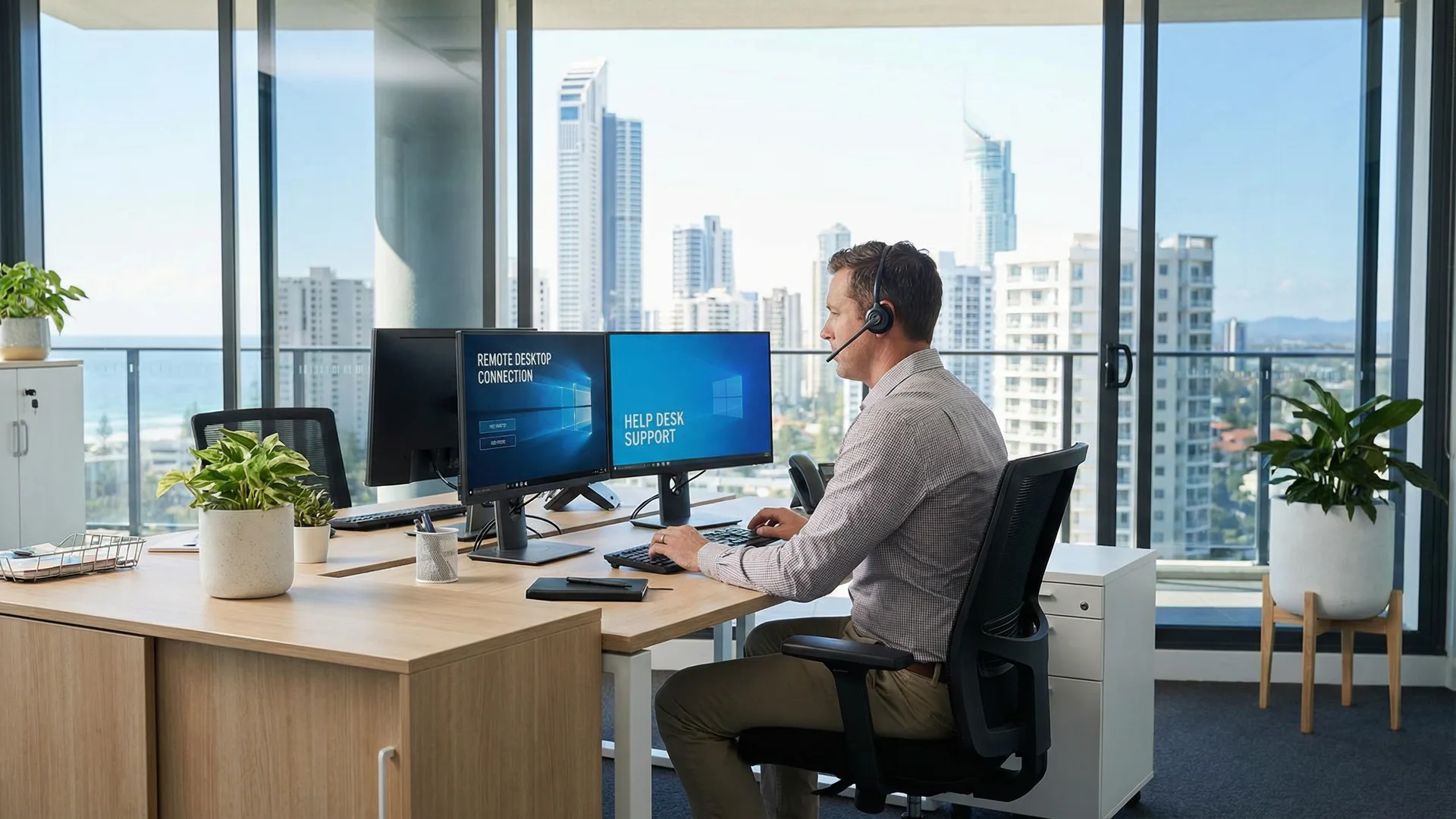
bcom ICT provides remote IT support to Gold Coast businesses and distributed teams anywhere in Australia. A technician connects by secure screen share with your permission, diagnoses the fault and usually resolves it the same day. Remote support is charged at $190 + GST per hour with no call-out fee. Call 07 3041 8993.
Most faults don't need anyone on site
Roughly three quarters of what businesses call us about can be resolved without a visit.
Email and Microsoft 365
Mail not sending, accounts locked out, mailboxes full, shared calendars misbehaving, Teams and SharePoint permissions.
Software and applications
Programs that won't open, crash, or stopped working after an update. Licensing and activation problems.
Slow or misbehaving machines
Performance problems, startup issues, failed updates and the mysterious slowdowns nobody can explain.
Account and access issues
Password resets, MFA problems, permissions, and getting a new starter into the systems they need.
Printers and shared devices
Network printers and scanners that stop working for one person or everyone. Usually fixable remotely.
Security concerns
Suspicious emails, accounts you think have been accessed. Call rather than email if you think you've been breached.
You stay in control of the session
1. You call or email
Call 07 3041 8993 or email support@bcomservices.com. Tell us what's happening and who's affected.
2. We send a one-time link
Nothing installs permanently. You open the link when you're ready.
3. You approve the connection
Nobody sees anything until you say so. You watch the entire session on your own screen.
4. It ends when you close it
Access stops with the session. Nothing remains unless you're a managed client with monitoring agreed separately.
Why remote first
- It's faster. Minutes rather than the hours it takes to get someone into a car and across the Gold Coast.
- It's cheaper. $190 + GST per hour with no call-out, against $290 + GST for a first hour on site.
- It works anywhere. Staff at home, on a second site, or interstate get the same support as someone in the office.
- We'll tell you when it won't work. Dead hardware, a failed drive or a network that's genuinely down needs hands on it, and we book a visit instead of billing you to try.
The questions we are actually asked about remote support
Six things worth answering plainly, including the two we would rather you asked before the first session.
“Can you see everything on my screen?”
Usually a reasonable question that deserves a plain answer. During a session a technician sees what is on the screen, which is why the session is started by you and ended by you.
What we do Close what you would rather not have seen before starting, and end the session when the work is done. You watch the whole thing, and you can stop it at any point without asking.
“The internet is down, so remote won’t work”
Usually correct, and it is the one fault remote support cannot address by definition.
What we do That is what an on-site visit is for. We will tell you straight away when a fault needs someone there rather than billing you for an hour of trying to work around it.
“It only happens sometimes and never while you’re watching”
Usually an intermittent fault. A booked session catches it only by luck, and the luck rarely arrives.
What we do Put monitoring in place and investigate from the evidence rather than the appointment. Intermittent faults are solved by logging, not by attending more often.
“We’re not on the Gold Coast”
Usually not an obstacle. Remote support does not care where the machine is, and a great deal of our work is for businesses and staff elsewhere in Australia.
What we do Distance is irrelevant to remote work and decisive for on-site work. Where a fault genuinely needs hands on hardware outside our area, we will say so rather than pretend otherwise.
“Our staff work from home and it’s always their own setup”
Usually often true, and frequently used to dismiss a genuine problem. A home connection that struggles with video calls is a real business issue regardless of who owns the equipment.
What we do Establish whether the fault is the machine, the home network or the connection. Knowing which is what turns an ongoing complaint into something someone can act on.
“Will you need our password?”
Usually usually not, and where elevated access is genuinely required it is requested explicitly rather than assumed.
What we do You approve the session and you can watch every action. If something needs a credential you hold, you enter it — we would rather ask than have a shared password sitting somewhere afterwards.
What remote support actually looks like
Representative engagements, drawn from real work with identifying detail removed — we don’t name clients without written permission.
The fault that never happened during an appointment
The situation
A business had a machine that would freeze for a minute or two at unpredictable intervals, several times a week. Three separate remote sessions had been booked, and on each occasion the machine behaved perfectly.
What we found
Booked sessions were the wrong tool. Monitoring left running for nine days caught the freeze eleven times and showed a consistent pattern: each one coincided with a backup agent scanning a mapped network drive that had become unreachable, causing the machine to wait on it. The drive pointed at a server decommissioned during an office move a year earlier.
What we did
Removed the stale mapping and corrected the backup agent’s configuration, then left monitoring running for a further fortnight to confirm the freezes had genuinely stopped rather than gone quiet.
The outcome
No further freezes. Three attended sessions had found nothing because the fault was never going to appear on demand — it needed evidence gathered over days rather than a person watching for an hour.
Telling a client the problem was not their laptop
The situation
A business had a staff member working from home whose video calls broke up constantly. The assumption within the business was that the laptop was underpowered, and a replacement had been approved.
What we found
The laptop was performing well and was not short of anything. Measuring the home connection over several days showed adequate speed and substantial latency variation during the afternoon — enough to make a call unusable while leaving everything else feeling normal. The household was on a residential plan sharing capacity with a neighbourhood that came home at three.
What we did
Reported that the laptop was not the problem, recommended against replacing it, and set out the two things that would actually help: a wired connection to the router rather than wireless, and a conversation with the provider about the service.
The outcome
Calls improved immediately with the cable alone. A laptop was not purchased. Replacing it would have cost the business a machine and changed nothing, which is what tends to happen when the wrong component is blamed for a network fault.
Questions Gold Coast businesses ask us
Can IT support be done remotely?
Most business IT faults can. bcom ICT resolves the majority of support requests by secure screen share without a site visit — email and Microsoft 365 problems, software faults, account and access issues, performance problems and most printer faults. Hardware failures and network outages need someone on site. A remote job of up to an hour is $150 + GST ($165 inc GST) with no call-out.
Is remote support secure?
Yes, and you control it. We send a one-time link, you approve the connection before anyone can see your screen, you watch the entire session, and you can disconnect at any moment. Nothing stays installed afterwards unless you're a managed client with monitoring agreed separately in writing.
How much does remote IT support cost?
$190 + GST per hour ($209.00 inc GST), billed in half-hour increments after the first hour, with no call-out fee. That's the main reason we try remote first — an on-site visit adds a $100 + GST call-out before anyone has looked at the problem.
Do you support staff working from home?
Yes, and it's routine. A remote worker gets the same support as someone in the office. If your team is spread across several sites or states, remote support is how that works in practice.
What if it turns out you can't fix it remotely?
We'll tell you, and book an on-site visit — same day where we can. We don't bill you for an hour of trying before admitting a drive has failed.
Do we need to be an existing client?
No. We take support calls from any business. Business hours are 8:00am to 5:00pm, Monday to Friday, Brisbane time.
Related services
Need help right now?
Call 07 3041 8993 and we'll often have you working again before a technician could reach the car park.