
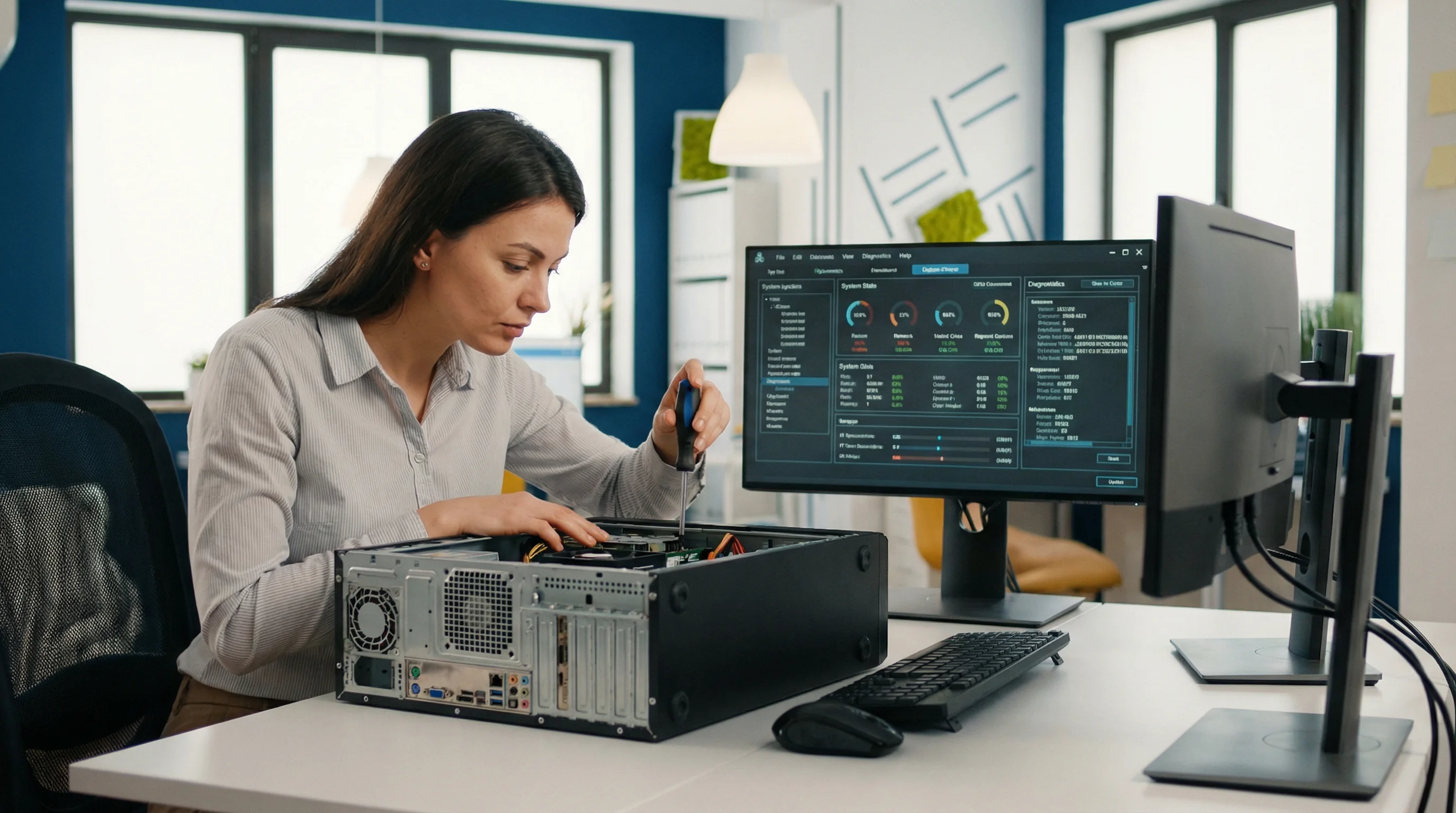
bcom ICT diagnoses and repairs hardware and software faults on business computers, workstations and servers across the Gold Coast. Faults are diagnosed before a repair is quoted, and loan equipment is available where a machine has to leave the site. Call 07 3041 8993.
What people describe when they call
"It won't start"
Blank screens, boot loops, beeping, or a machine that powers on and does nothing. Could be a drive, memory, power supply or a failed update — the diagnosis matters.
"It's got really slow"
Usually a failing drive, insufficient memory for what's now being run, or accumulated software nobody uninstalled. Sometimes worth fixing, sometimes worth replacing.
"It keeps crashing"
Blue screens and random restarts are typically hardware — memory or storage — or a driver conflict after an update. Intermittent faults need proper testing, not guesswork.
"It stopped working after an update"
Common and usually fixable. Failed updates, driver conflicts and applications that no longer launch.
The server is misbehaving
Storage filling up, backup jobs failing, services stopping overnight, performance degrading. Servers rarely fail suddenly — they warn first, if someone is watching.
Nobody knows what changed
The hardest category and the most common. We work backwards from what still functions rather than guessing.
How we approach it
- Diagnose before quoting. A repair price given before anyone has looked is a guess, and usually a low one that grows.
- Get the data off first. Before anything invasive happens to a drive.
- Test intermittent faults properly. The ones that only happen sometimes need memory and drive testing, not a reinstall and hope.
- Say when replacement is cheaper. We'd rather lose the repair than have you spend $400 on a machine with a year left.
- Leave a loan device. If yours has to go away, somebody still needs to work.
Recurring faults are a different problem
If the same machine keeps failing, or the same fault keeps returning across different machines, the useful question stops being "how do we fix it" and becomes "why does this keep happening". That is usually an ageing fleet, an under-specified machine doing work it was never bought for, or something environmental like power or heat.
Chasing that down is included for managed IT clients, because a provider who only earns from repeat visits has no reason to look. For everyone else we will still tell you what the underlying cause is, rather than billing the symptom repeatedly.
The situations we are actually called into
Six of them. The hardest are not technically difficult — they are the ones nobody reports.
“It’s been like this for months”
Usually a fault everyone has adapted around. Staff have invented workarounds, the workarounds became habit, and nobody reports it any more.
What we do Ask what people work around rather than what they report. Long-standing faults are usually cheap to fix and expensive to have tolerated, and they surface only if somebody asks the right question.
“Three people looked at it and found nothing”
Usually a fault that is not present when anyone attends, or one being investigated in the wrong place because the symptom appears somewhere other than the cause.
What we do Change the method rather than repeating it. If attending has failed three times, the fourth attendance will fail too — what is needed is evidence gathered while nobody is watching.
“It happens to everyone but only sometimes”
Usually something shared — the network, a server, a connection — failing intermittently rather than a problem with any individual machine.
What we do Establish what the affected people have in common. A fault crossing several machines has ruled out every one of those machines, which is genuinely useful information.
“It started after… something, we think”
Usually a change nobody recorded. An update, a new device, a provider swap, a staff departure — there is nearly always a starting point and it is nearly always undocumented.
What we do Pin the date down as precisely as possible and work back to what changed. Establishing when a fault began is frequently the fastest route to establishing what caused it.
“We rebooted and it came good”
Usually a temporary state cleared rather than a fault resolved. Restarting fixes the symptom and destroys the evidence.
What we do Where the business can tolerate it, capture the state before restarting. A restart is a perfectly reasonable response to a stopped business and it does end the investigation for that occurrence.
“We just want it to stop”
Usually entirely fair, and sometimes at odds with finding the cause. There is a real tension between the fastest fix and the permanent one.
What we do We will tell you which we are doing. Sometimes the right answer is to restore service now and investigate afterwards; what matters is that the choice is explicit rather than presented as a fix.
What a real diagnosis looks like
Representative engagements, drawn from real work with identifying detail removed — we don’t name clients without written permission.
The workaround nobody had mentioned in two years
The situation
A business engaged us for general support and mentioned no significant problems. Sitting with staff during onboarding, three separate people were observed saving a file, closing the application, and reopening it before continuing.
What we found
Asked about it, the answer was that the application lost work if left open too long, and it had been that way for as long as anyone could remember. Nobody had reported it because it had stopped feeling like a fault. The cause was a session timeout on the server, set during an installation years earlier and never revisited, which was disconnecting idle sessions after fifteen minutes.
What we did
Changed the timeout to a sensible value for the way the application is actually used, and confirmed with staff over the following fortnight that the habit was no longer necessary.
The outcome
The workaround disappeared. Three people had been performing a small ritual dozens of times a day for two years, and it never reached us because it had long since stopped being described as a problem.
Restoring service first, and saying so
The situation
A business lost access to a shared system on a Friday afternoon during their busiest period. The immediate need was to keep trading; the cause was unknown.
What we found
The fastest route to working was to restart the affected server, which would have cleared whatever state was causing the problem and destroyed any evidence of what it had been. That would have restored the business within minutes and made a recurrence very likely and equally undiagnosable.
What we did
Explained the trade-off to the business directly, captured what could be captured in about ten minutes, then restarted and restored service. Investigated from the captured evidence over the following week and found a scheduled task that had failed in a way that consumed a shared resource.
The outcome
The business traded through the afternoon and the underlying cause was fixed the following week. The decision to spend ten minutes capturing evidence first was the business’s to make, and it could only make it because somebody explained what the alternative cost.
Book a technician online
A first hour on site booked through our calendar is a fixed $252 inc GST — $67 less than the same visit arranged by phone. The calendar is live, so the times you see are times we actually have.
Questions Gold Coast businesses ask us
Who fixes business computers and servers on the Gold Coast?
bcom ICT diagnoses and repairs business computers, workstations and servers across the Gold Coast, on site or remotely. Faults are diagnosed before quoting, loan equipment is available where a machine has to leave, and work is charged at $190 + GST per hour plus a $100 + GST call-out for on-site attendance. Call 07 3041 8993.
How do you decide whether to repair or replace?
Age, what the repair costs against a replacement, and whether the machine will be adequate for another two years even once fixed. A five-year-old laptop needing a $400 screen is usually not worth it, and we'll say so rather than take the work.
Will we lose data?
Not if we can avoid it. Data comes off before anything invasive happens, and if a drive has physically failed we'll tell you honestly what recovery involves and what it's likely to cost before you commit to it.
Do you provide a loan machine?
Yes, where a device has to leave the site. Somebody sitting idle costs more than the repair does.
How long does a repair take?
Most software and configuration faults are resolved in the same visit or session. Hardware repairs depend on parts — we'll tell you the expected turnaround before we take anything away.
Get a straight diagnosis
We'll tell you what's wrong, what it costs, and whether it's worth fixing — before you commit to anything.