
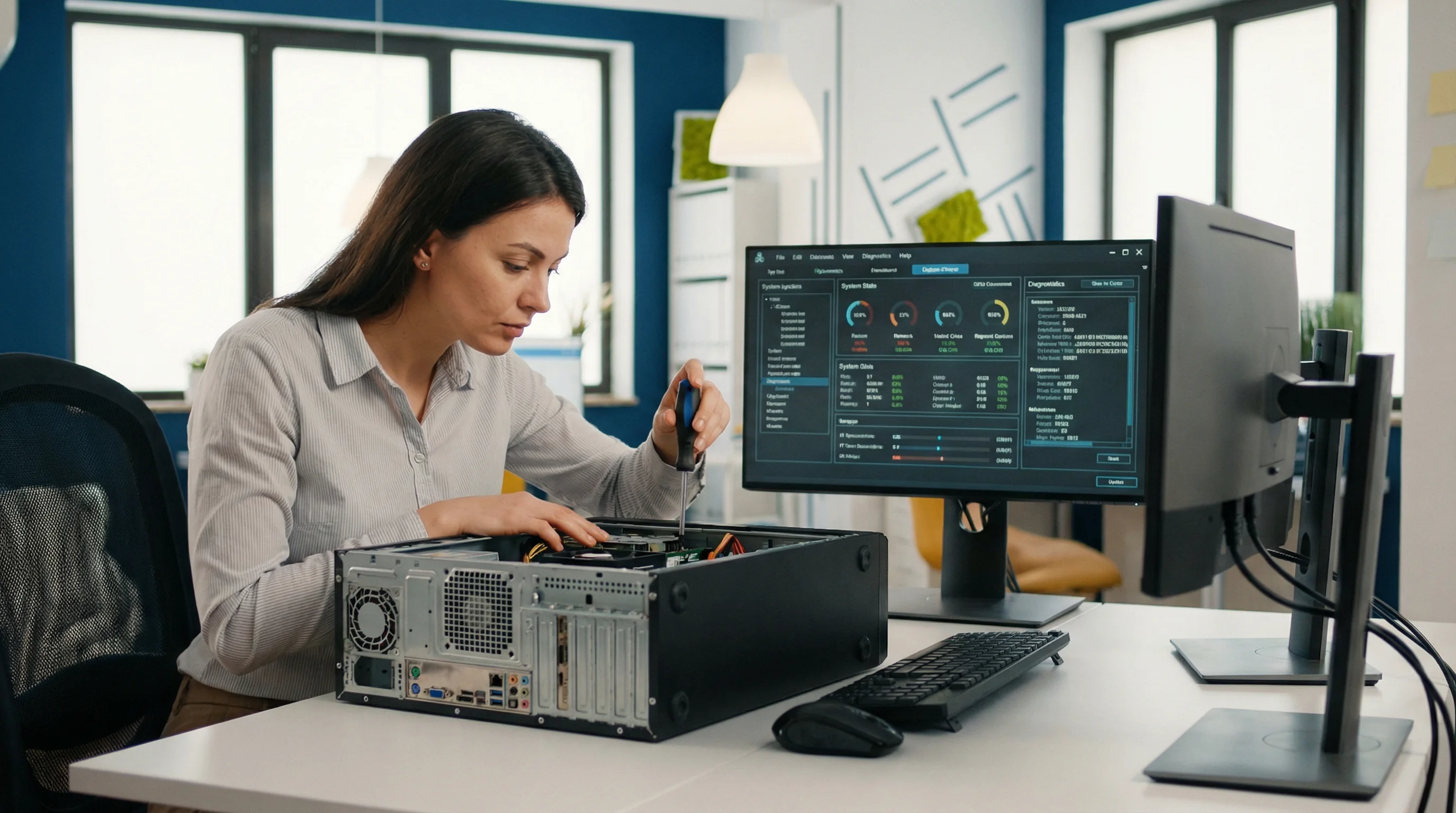
bcom ICT repairs Windows and macOS faults on business machines across the Gold Coast — boot failures, crashes, corrupted user profiles, failed updates and licensing problems — repairing in place where possible and performing a clean rebuild with data and settings migrated where it is not. Call 07 3041 8993.
What we're usually called about
It won't boot
Recovery loops, blue screens on startup, or a machine that reaches the login screen and goes no further. Often repairable without losing anything.
An update broke it
A Windows feature update or a macOS upgrade that left drivers, printers or a business application non-functional. Very common and usually fixable.
A user profile is corrupted
Someone logs in to a blank desktop with none of their settings. Frustrating, alarming, and generally recoverable.
It crashes at random
Blue screens and unexplained restarts. Sometimes the operating system, often the hardware underneath it — testing tells you which.
Licensing and activation
Windows deactivating after a hardware change, or Office refusing to activate. Tedious rather than difficult.
It's slower after every update
Accumulated software, insufficient memory for what's now being run, or a drive that is quietly failing.
Repair in place, or clean rebuild
Most operating system faults can be repaired without wiping the machine, and that is always the first thing we try — it is faster and nothing gets lost.
Where the installation is too damaged to repair reliably, a clean rebuild is the honest answer. That means data, settings, printers, mapped drives, email profiles and licensed applications carried across, and the machine handed back configured rather than handed back blank. A rebuild that leaves someone spending two days reconstructing their setup is not a completed job.
What we carry across on a rebuild
- Documents, desktop and downloads — everything the user actually had
- Email profiles, signatures and locally stored mail
- Mapped network drives and printers, reconnected and tested
- Licensed applications reinstalled and reactivated
- Browser bookmarks and saved settings
- Windows updates fully applied before handback, so the first day isn't spent restarting
The operating system faults we are actually called to
Six situations account for most of what goes wrong with Windows and macOS, and most are repairable in place.
“It won’t get past the loading screen”
Usually a failed update, a corrupted system file, or a drive beginning to fail underneath a healthy-looking operating system.
What we do Establish whether the storage is sound before attempting a repair. Repairing an operating system on a failing drive wastes the one window you have to get the data off it.
“An update failed and now it won’t start”
Usually an interrupted update — a machine switched off mid-install, or one that ran out of space part way through.
What we do Roll back to the last working state where the machine allows it, then apply the update properly with the data already secured. Most of these recover in place without a rebuild.
“My desktop is empty and all my files are gone”
Usually a temporary profile. The operating system could not load the real user profile and quietly created an empty one instead. The files are almost always still there.
What we do Recover the original profile rather than starting again. This fault is alarming out of all proportion to its seriousness, and users have been known to spend a weekend re-creating documents that were never lost.
“It’s asking for a BitLocker recovery key”
Usually a firmware update, a hardware change, or a boot configuration change causing the encryption to require proof before unlocking.
What we do Retrieve the key from where it was escrowed — usually the Microsoft 365 tenancy or a domain. If it was never escrowed, that is a much harder conversation, which is why we check escrow across a fleet as routine work.
“It says the licence isn’t genuine”
Usually a hardware change that invalidated a digital licence, or a machine bought second-hand with a licence not transferable to it.
What we do Establish what the machine is actually entitled to. Sometimes it is a reactivation; sometimes the business has been running unlicensed software it believed it had bought, which is worth knowing before an audit finds it.
“Applications started crashing after an update”
Usually a compatibility break between an operating system update and older software — extremely common with industry-specific applications that update on their own schedule.
What we do Identify which update, and whether the vendor has a fix or a supported version. Pausing feature updates on the machines that run critical software is a legitimate answer while a vendor catches up.
What an operating system repair looks like
Representative engagements, drawn from real work with identifying detail removed — we don’t name clients without written permission.
A weekend spent re-creating documents that were never lost
The situation
A staff member arrived on Monday to an empty desktop, no documents and none of their settings. Believing the files gone, they spent the weekend re-creating what they could remember from email attachments and printed copies.
What we found
The machine had failed to load the user profile after an update and had created a temporary one, which is the default behaviour. The original profile was intact on the disk the entire time, exactly where it had always been. The machine had also displayed a notice about being signed in with a temporary profile, which had been dismissed as routine.
What we did
Repaired the profile reference so the original loaded normally, verified nothing was missing, then merged the small amount of genuinely new work created over the weekend.
The outcome
Everything came back. The lost weekend was avoidable and the fault took under an hour to resolve, which is the frustrating shape of this particular problem.
The encryption key nobody had escrowed
The situation
A business had a laptop demand a BitLocker recovery key after a routine firmware update. The machine held the only working copy of several months of project files. Nobody knew what a recovery key was.
What we found
Encryption had been enabled by a previous provider on that machine and on eleven others, with the keys stored in the local account of whoever had set each one up. None had been escrowed anywhere the business could reach. The affected laptop’s key had been held by a technician who had left two years earlier.
What we did
Recovered that machine through the manufacturer’s process after establishing ownership, which took several days. Then audited the remaining eleven, escrowed every key into the business’s own Microsoft 365 tenancy, and verified each one could actually be retrieved.
The outcome
The business now holds its own keys, which is the point of them. Encryption without escrow is not protection — it is a locked door with the key in someone else’s pocket.
Pausing an update so the practice could keep working
The situation
A small practice found that its core industry software began crashing on launch across four machines on the same morning. The software vendor’s support line was aware of the issue and had no fix date.
What we found
A Windows feature update had rolled out overnight to machines set to receive updates as soon as they were offered. The application had not yet been made compatible with it. Three other machines in the practice had not yet taken the update and were working normally, which is what made the cause obvious.
What we did
Rolled the four affected machines back to the previous version, paused feature updates on every machine running that application while leaving security updates flowing, and set a reminder to review when the vendor confirmed compatibility.
The outcome
The practice worked normally the same day. Pausing feature updates while continuing to take security updates is a deliberate and supportable position, and it is very different from turning updates off.
Questions Gold Coast businesses ask us
Can a Windows installation be repaired without losing data?
In most cases yes. bcom ICT attempts an in-place repair first for boot failures, failed updates and corrupted profiles, which is faster and keeps everything intact. Where the installation is too damaged to repair reliably, a clean rebuild is done with data, settings, email profiles, printers and licensed applications migrated across. Call 07 3041 8993.
A Windows update broke our software. Can you fix it?
Usually. Feature updates commonly break drivers, printers and older business applications. The fix is often rolling back a specific component rather than the whole update, and where a line-of-business application is genuinely incompatible we'll tell you what your options actually are.
Do you support macOS as well as Windows?
Yes, both. Business Macs get the same treatment — boot problems, failed upgrades, profile issues and migrations.
How long does a rebuild take?
Typically most of a day including data migration and reinstalling applications. We'll leave a loan machine if somebody can't be without one for that long.
Is it worth repairing an older machine?
Depends on the machine. If it's under about four years old and otherwise sound, usually yes. Beyond that, the honest conversation is often about replacement — see hardware procurement and setup, or a fleet assessment if several machines are at that point.
Machine won't start properly?
We'll try to repair it in place first — and if a rebuild is needed, you get it back configured rather than blank.