
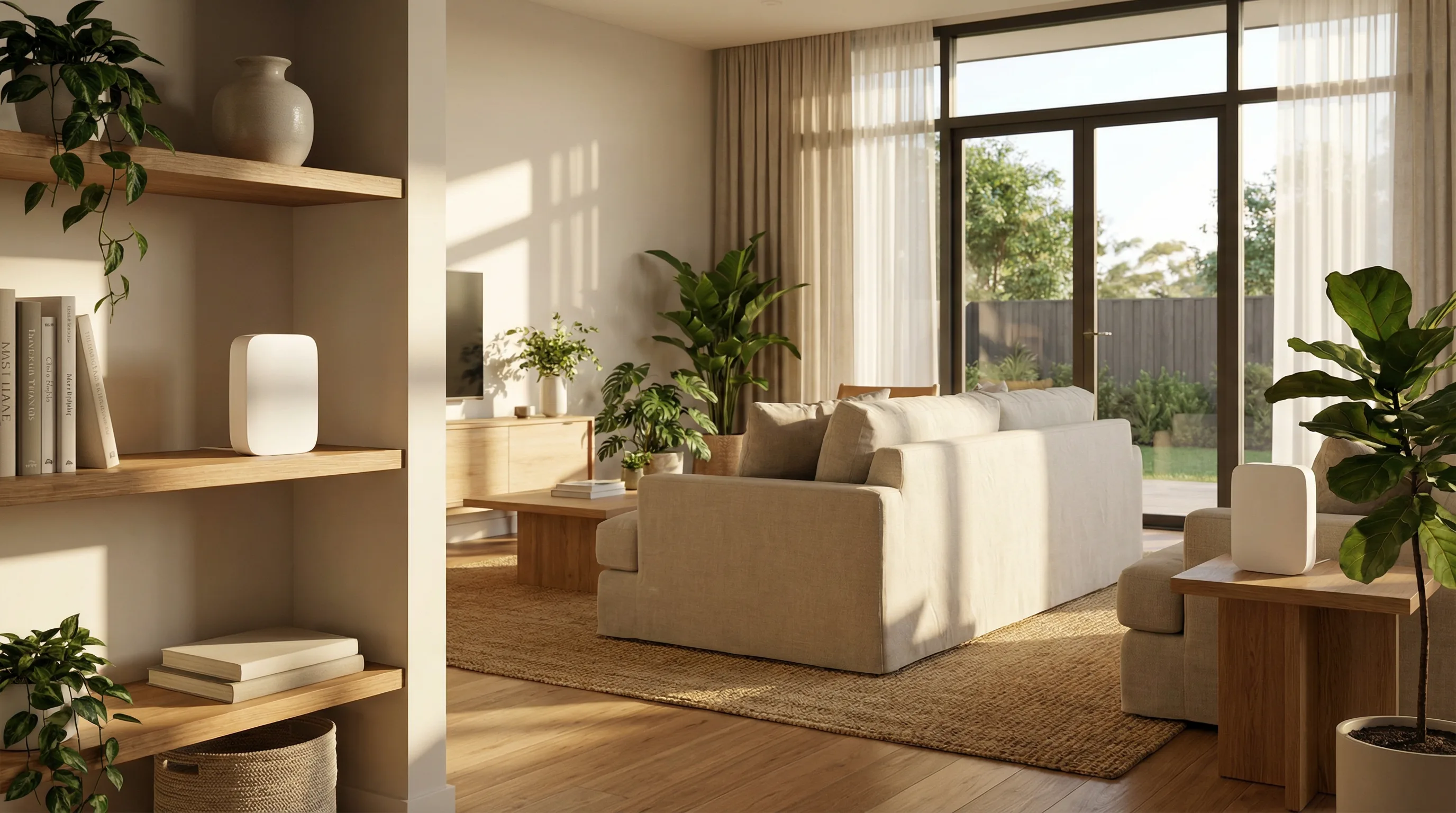
bcom ICT provides mesh WiFi installation on the Gold Coast for home offices and small premises, supplying and configuring Eero, Google Nest and Ubiquiti equipment. Node placement is based on measured signal rather than guesswork, and the network is configured with a separate guest network and current security settings. Call 07 3041 8993.
What we do and don't take on here
Worth being clear up front, because this is the one place our business focus has an edge case.
Home offices — yes
If you or your staff work from home and the connection has to be reliable for work, we install and configure mesh WiFi for that. It is a business problem that happens to be in a house.
Small premises — yes
Small shops, studios, consulting rooms and similar sites where a full commercial WiFi installation would be over-specified but a single consumer router is not enough.
General home IT support — no
We stopped taking residential computer repair and general home IT support. There are good people on the Gold Coast who do it; it just is not what we are set up for.
Full business WiFi — different service
Multi-room offices, guest networks, EFTPOS segmentation and PoE access points are a commercial installation — see business WiFi installation instead.
Why mesh, and why placement matters
A single router was designed to cover a modest space. Australian homes with rendered walls, steel studs, split levels and a router installed wherever the NBN box happened to land are a poor match for that. Mesh systems use several nodes working together under one network name, so devices hand over cleanly as you move.
The catch is that mesh only works well when the nodes can hear each other properly. Placed too far apart they drop out; placed too close they waste coverage. We measure rather than guess, which is the actual difference between a mesh system that works and one that gets returned.
What an installation includes
- Signal measured across the space before anything is positioned
- Nodes placed for coverage and for backhaul between them, not just near power points
- Wired backhaul where a cable run is practical — always better than wireless between nodes
- One network name across the whole space, so devices roam instead of clinging
- A separate guest network, kept away from your work devices
- Current security settings, firmware updated, and the default admin password changed
Why the mesh you bought isn’t working
Mesh systems are good. Almost every complaint we see about one comes down to where the nodes were put.
“The second node shows full signal but it’s slow”
Usually the backhaul. The node is showing you how well your device is connected to it, not how well it is connected back to the main unit. Those are entirely different numbers and only one of them is displayed.
What we do Position nodes by the strength of the link back to the base, not by where the dead spot is. A node placed in the weak area is itself in a weak area, which is the single most common mesh mistake.
“It’s worse than the router it replaced”
Usually nodes placed too far apart, or all three plugged in on the same side of the house because that is where the power points are.
What we do Survey before placing. Mesh is genuinely good technology and unusually sensitive to positioning — the same three nodes can be excellent or useless depending on where they sit.
“My laptop clings to the wrong node”
Usually a device holding a connection it can still technically use rather than moving to the better one nearby. Devices decide when to roam, and they are conservative about it.
What we do Tune the transmit power so a distant node stops looking viable from across the house. Counter-intuitively, turning the nodes down improves roaming, where turning them up makes it worse.
“It drops when I walk to the other end of the house”
Usually a coverage gap between nodes, or a handover happening too late to be seamless. On a call the gap is obvious; on email nobody notices.
What we do Measure the coverage along the paths people actually walk rather than assuming a circle around each node. Building materials decide this, and rendered brick, foil insulation and a double-glazed window all behave very differently.
“The nodes keep dropping off”
Usually interference, an unstable wireless backhaul, or firmware that has not been updated since the boxes were opened.
What we do Update the firmware, check what else is transmitting nearby, and where the building allows it, run a cable to the node. A wired node is not really mesh any more, and it is dramatically more reliable.
“Video calls freeze but streaming is fine”
Usually a connection with enough capacity but not enough consistency. Streaming buffers several seconds ahead and hides the problem; a live call cannot.
What we do Test for latency variation rather than speed. A home connection that streams flawlessly can still be unusable for a full day of meetings, which is why working from home exposes faults nobody noticed at the weekend.
What a proper mesh installation looks like
Representative engagements, drawn from real work with identifying detail removed — we don’t name clients without written permission.
Three nodes, all in the wrong places
The situation
A senior executive working from home four days a week was dropping out of video meetings from the upstairs study. A three-node mesh system had been bought and installed on the advice of a retailer, and had not helped.
What we found
All three nodes were downstairs, positioned around the power points rather than around the house. The study node was two rooms and a floor away from the base with a tiled bathroom in between, so its backhaul was poor even though it reported full signal to the laptop sitting beside it.
What we did
Surveyed the actual coverage, moved the base unit to a central position, relocated one node to the top of the stairs where it had a clear path back, and ran a cable to the study node using an existing conduit nobody had realised was there.
The outcome
Meetings stopped dropping. No new hardware was bought — the equipment already in the house was adequate and had simply never been positioned by anyone who measured anything.
Small premises, three rooms, one wireless network that had to be right
The situation
An allied health practice operating from three consulting rooms was running practice management software in the cloud. Sessions were dropping mid-appointment, which meant clinical notes being re-entered while a patient waited.
What we found
A consumer mesh kit was covering the premises adequately for signal, but patient devices, staff phones and a smart television in the waiting room were all sharing the same network. The dropouts correlated with the waiting room being busy.
What we did
Separated the practice systems from guest access so patients could not affect clinical traffic, repositioned the nodes to give each consulting room a strong path back to the base, and set the practice network to prioritise the software the clinicians depend on.
The outcome
Sessions stopped dropping. The waiting room still has usable WiFi, and it can no longer interfere with a consultation — which is a separation the practice had assumed it already had.
Questions Gold Coast businesses ask us
Do you install mesh WiFi on the Gold Coast?
Yes. bcom ICT installs and configures mesh WiFi systems — Eero, Google Nest and Ubiquiti — for Gold Coast home offices and small premises. Node placement is based on measured signal across the space rather than guesswork, and the network is configured with a separate guest network and current security settings.
Do you do home IT support?
Not general home computer repair or residential IT support — we stopped taking that work. Mesh WiFi and home office network setup we still do, because it is usually a work connectivity problem rather than a home computer one.
Is mesh better than a WiFi extender?
Usually, yes. Extenders typically halve throughput and create a second network name that devices cling to rather than switching from. Mesh systems keep one network name and handle the handover properly. Where a cable run is possible, a wired access point beats both.
Which mesh system should we buy?
It depends on the space and what you need. Eero and Google Nest are straightforward and suit most homes. Ubiquiti gives far more control and better reporting but expects someone to configure it. We will recommend based on your building rather than on what we have in stock.
Can you use my existing NBN router?
Often yes — the mesh system runs behind it. Sometimes the provider's router causes problems of its own and is better put into a pass-through mode. We check rather than assume.
What if a cable run is possible?
Then we would generally suggest it. Wired backhaul between nodes, or a wired access point instead of mesh, outperforms wireless every time. We'll tell you when the cabling is worth doing.
Dead spots where you actually work?
We'll measure the space and position it properly — which is the difference between a mesh system that works and one that goes back in the box.